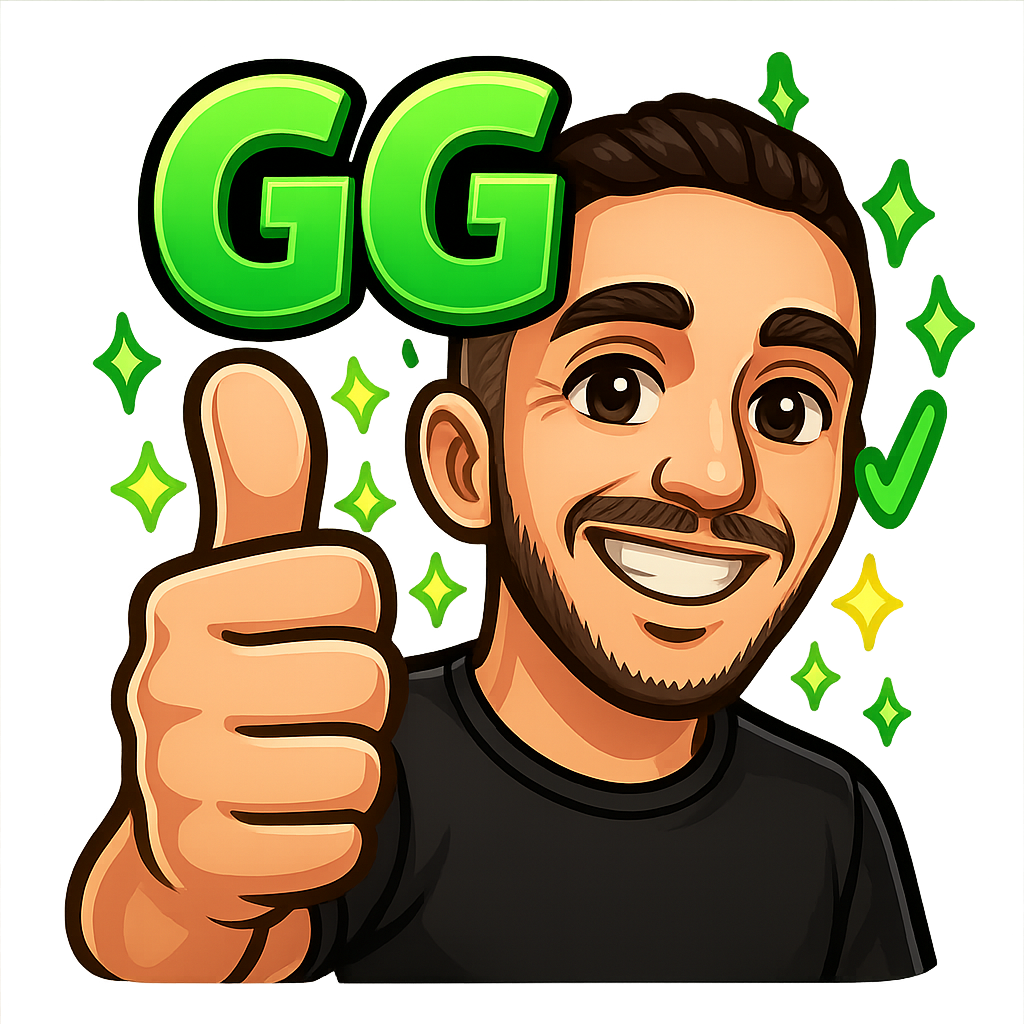
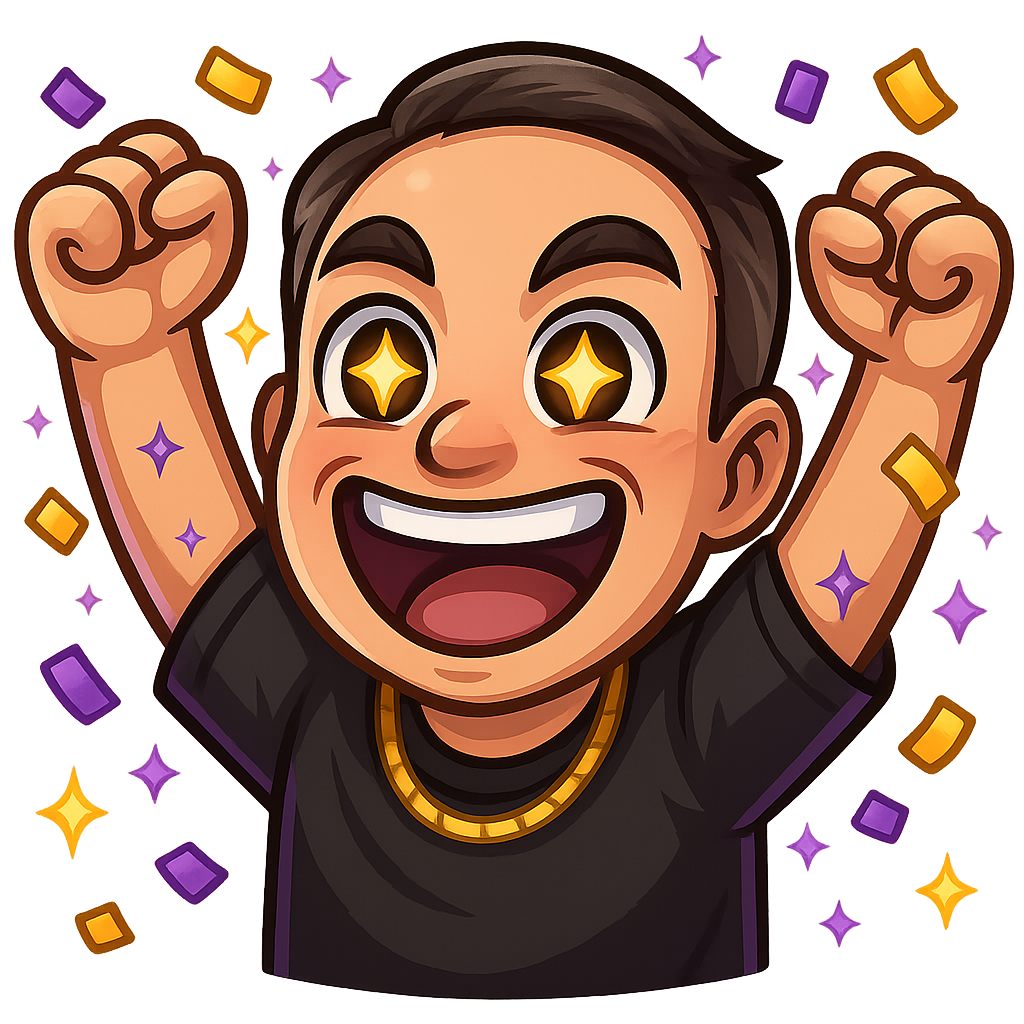
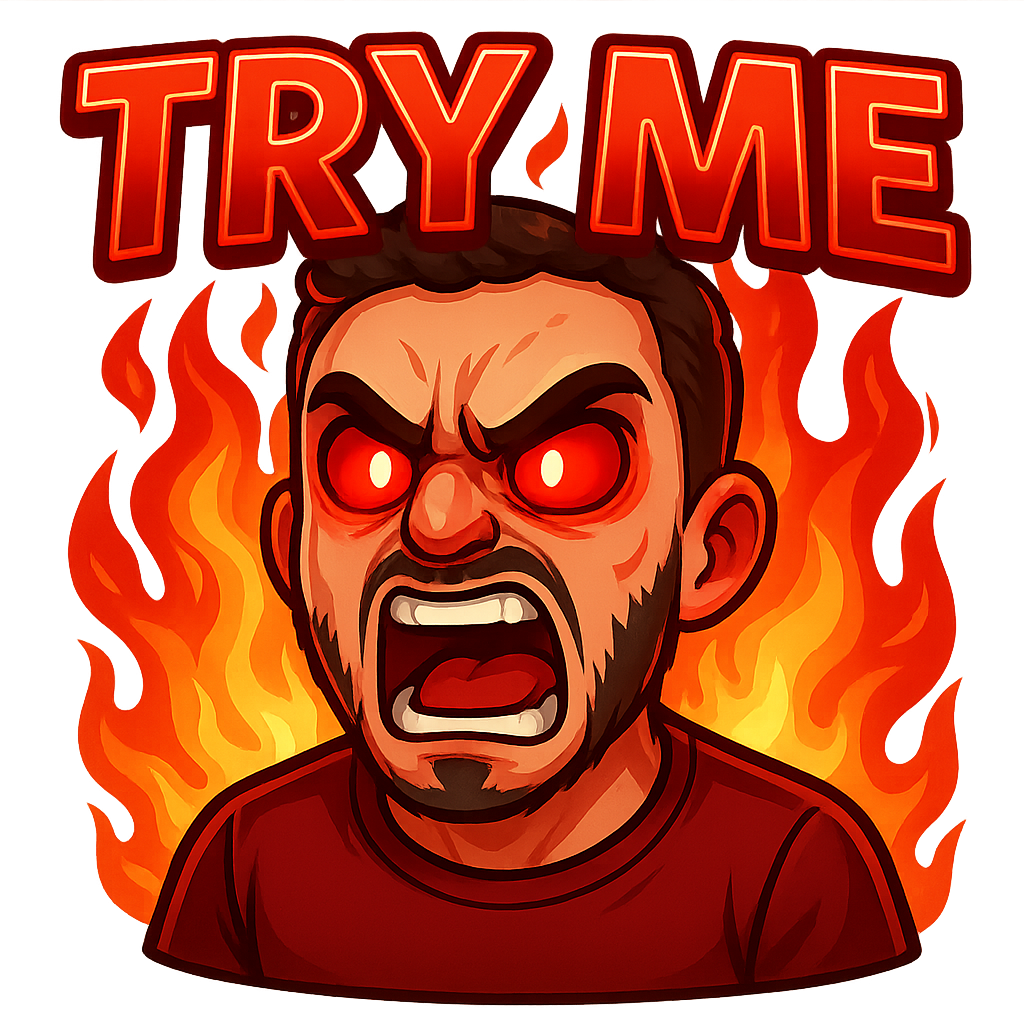
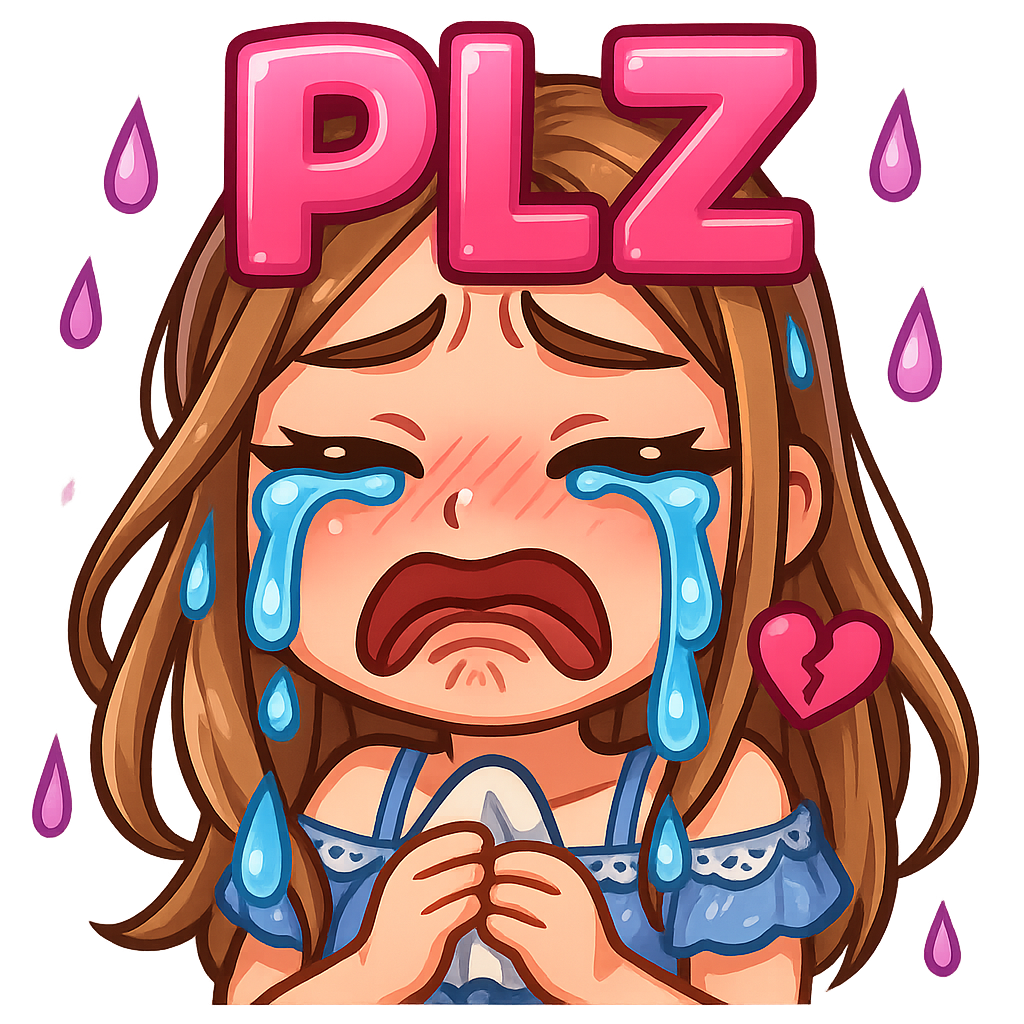

Custom Twitch emotes are essential for building an engaged streaming community. They create inside jokes, boost viewer retention, and make your channel memorable. However, professional emote commissions typically cost $100-500+ per set, making them unaffordable for most new streamers.
This comprehensive guide shows you how to create free Twitch emotes online using three proven methods. Whether you're a complete beginner or have some design experience, you'll learn the best free Twitch emote maker techniques that meet Twitch's size requirements and engage your audience.
30%
Average increase in viewer engagement with custom emotes
$300+
Average cost saved by making your own emote set
2-5 min
Time to create your first professional emote
Learn how to make Twitch emotes online free with these three methods. Each approach has unique advantages - choose based on your available time, design experience, and desired control over the final result.
Create professional Twitch emotes in 2-5 minutes using our guided emote maker. No design skills required - perfect for beginners who need quality results fast.
Customize free emote templates from Canva, Kittl, and Placeit. Perfect balance of speed and creative control for custom Twitch emotes.
Learn how to draw custom Twitch emotes from scratch using free software like GIMP, Krita, or Photopea. Complete creative control for unique emotes.
Free emote creation isn't for everyone. Understand if this guide is the right path for your streaming journey.
This isn't just about making emotes—it's about understanding what makes them effective. You'll learn skills that apply to all your streaming graphics.
Understanding what makes emotes work at 28px resolution and why certain designs become chat favorites. You'll learn the psychology behind viewer reactions and how to tap into universal emotions that drive engagement.
Master color theory, contrast rules, and silhouette design specifically for tiny sizes. Learn the technical aspects that separate amateur emotes from professional-quality designs that work in any chat environment.
Discover shortcuts and workflows that let you create emotes 5x faster without sacrificing quality. From template systems to batch processing techniques, you'll build an efficient creation pipeline.
Learn to match the quality of $50+ commissioned emotes through proper technique and attention to detail. Understand what separates good emotes from great ones and how to achieve consistent professional results.
Professional emote designers follow these four principles. Master them and your emotes will rival any commissioned work.
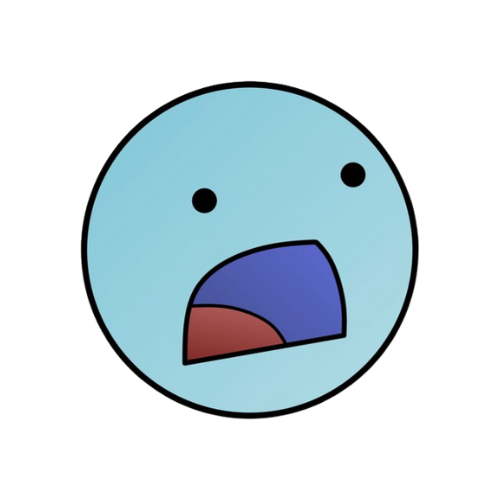
Your emote should be recognizable as a black shape. If the silhouette doesn't communicate the emotion, neither will the final design.
Weak silhouette

Strong silhouette
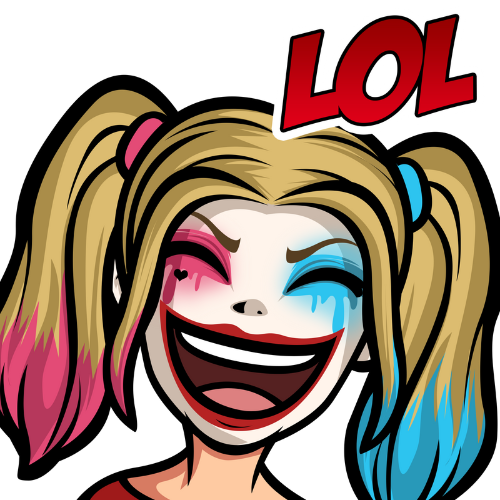
At 28x28 pixels, subtle doesn't exist. Make expressions 300% more extreme than feels natural.
 Happy Sad
 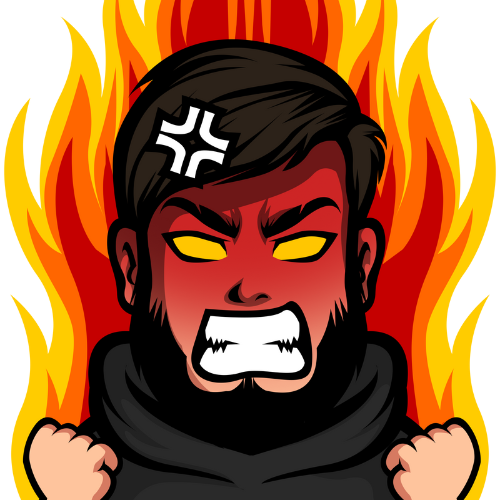 Rage
Rage Use 3-4 colors maximum. High contrast between them ensures readability on any background.
Example: Dark Base, Primary, Accent, Highlight
Always preview at 28px before finalizing. What looks perfect at 500px often fails in actual use.
Drag slider to test readability:
28px
Each method has distinct advantages. This detailed comparison helps you choose the right approach for your specific situation.
| Feature | Twitchemote RECOMMENDED | Templates | Draw Your Own |
|---|---|---|---|
| Time to Create | 2-5 min | 30-60 min | 2-4 hours |
| Skill Required | None | Basic | Intermediate |
| Customization | High | Medium | Unlimited |
| Consistency | Excellent | Good | Variable |
| Learning Curve | Instant | 1-2 days | 1-2 weeks |
| Originality | High | Medium | Maximum |
| Cost Over Time | Free To Start | Free To Start | Free To Start |
| Example Output |  Professional result | 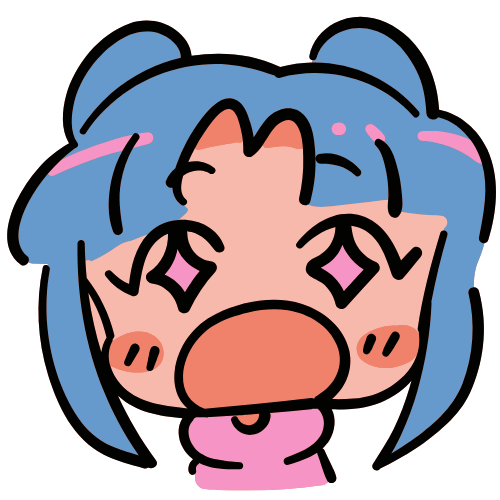 Template-based | 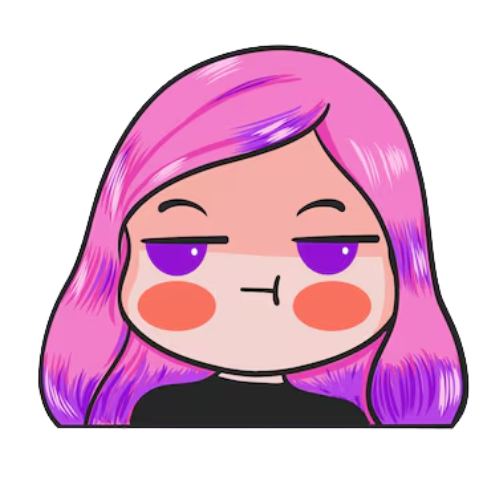 Hand-drawn custom |
Start with Twitchemote's free maker for your first 3-5 emotes. Test what resonates with your community. Then consider templates or DIY for specialized emotes as your channel grows.
Try Twitchemote Maker NowCreate professional Twitch emotes in 2-5 minutes using our free emote maker. No design experience required - perfect for beginners who need quality results fast.
Start by selecting Animal, Character, or Text/Object. Each type is optimized for different use cases and has specific templates designed for maximum chat readability.
Cute, expressive animals perfect for reactions. Lions for hype, cats for cozy vibes.
Your face or custom character. Upload a reference image or describe your avatar.
Clear text like "GG", "LURK" or objects like controllers, hearts, symbols.
Pro tip: New streamers should start with Animals—they're universally loved and work great for building community inside jokes.
Pick from high-readability emotions like Hype, GG, Lurk, Love, Rage, Shock, RIP. Want something specific? Tap Custom and describe the emotion or scene.
😊 Happy
🔥 Hype
💜 Love
😴 Lurk
Short text helps context at chat speed: GG, RIP, HYPE, LURK, BONK. Keep it brief (3-5 characters) so it stays crisp at 28px. The tool auto-tests legibility.
Choose a primary brand color. We'll apply it intelligently, not flooding the whole emote but using it on outlines, accents, and props to keep contrast strong.
Add sparkle effects like confetti, starburst, motion streaks, cozy steam, heart glows, or subtle gradients. All effects are tuned to remain readable at small sizes.
Export a ZIP with 112/56/28px transparent PNGs, named for quick upload to Twitch/Discord/YouTube. All variations are automatically created.
Bonus: Get 6 variations per creation, so you can pick your favorite or use them as a complete set!
Get 6 variations to choose from, all optimized for Twitch's size requirements
Discover how to design free Twitch emotes using templates from popular platforms like Canva, Kittl, and Placeit. This Twitch emote template method offers the perfect balance of speed and creative control for unique custom emotes.
Template customization gives you the best of both worlds: professional starting points with room for personalization. You're not starting from a blank canvas, but you're also not stuck with someone else's exact vision. This approach is perfect when you have some design sense but want to save time on composition and basic structure.
Browser-based with thousands of emote templates. Drag-and-drop interface makes customization intuitive.
Designer-curated templates with focus on consistency. Great for creating cohesive emote sets.
Massive catalog with variety of styles. Good for finding exactly what matches your brand.
Search for templates that match your desired emotion and rough style. Don't worry if colors are wrong—focus on composition and basic shape.
Replace template colors with your brand palette. Most platforms let you change colors globally or per element. Maintain contrast—your brand colors might need adjusting for 28px readability.
Adjust facial features, swap props, or change accessories to make it yours. Small tweaks create big personality differences. Keep shapes bold and simple for chat visibility.
If your emote includes text, make it bold, short (3-5 characters), and high-contrast. Use thick, sans-serif fonts. Test at 28px to ensure legibility.
Export as PNG with transparent background at 112x112px. Then use our free emote resizer to create the required 56x56 and 28x28 sizes with proper compression.
Don't want to start from scratch? These platforms offer thousands of free Twitch emotes you can download and use immediately. Perfect for getting started quickly or finding inspiration.
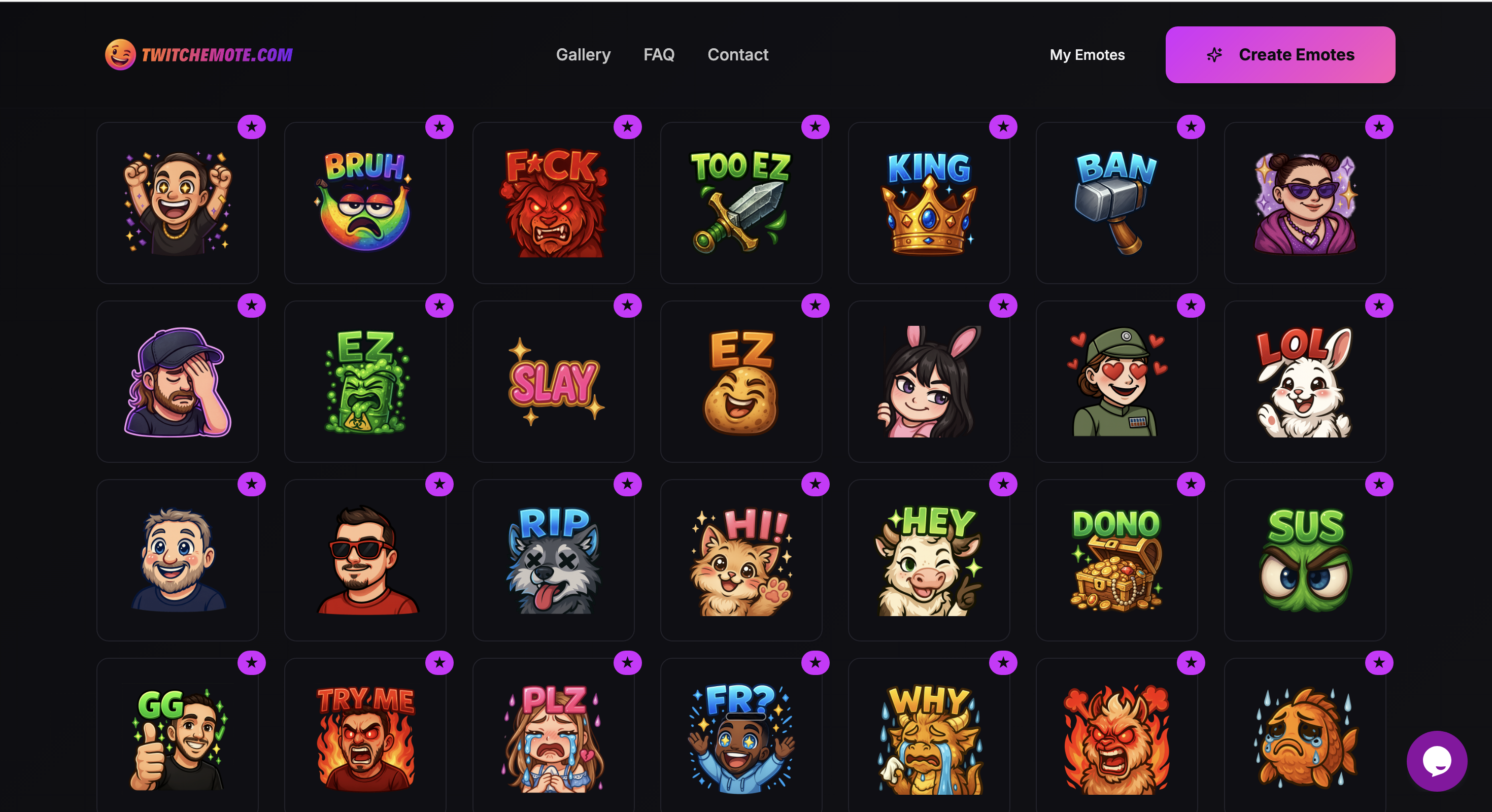
Browse thousands of emotes created by streamers using our tools. Download favorites instantly or use them as inspiration for your own designs.
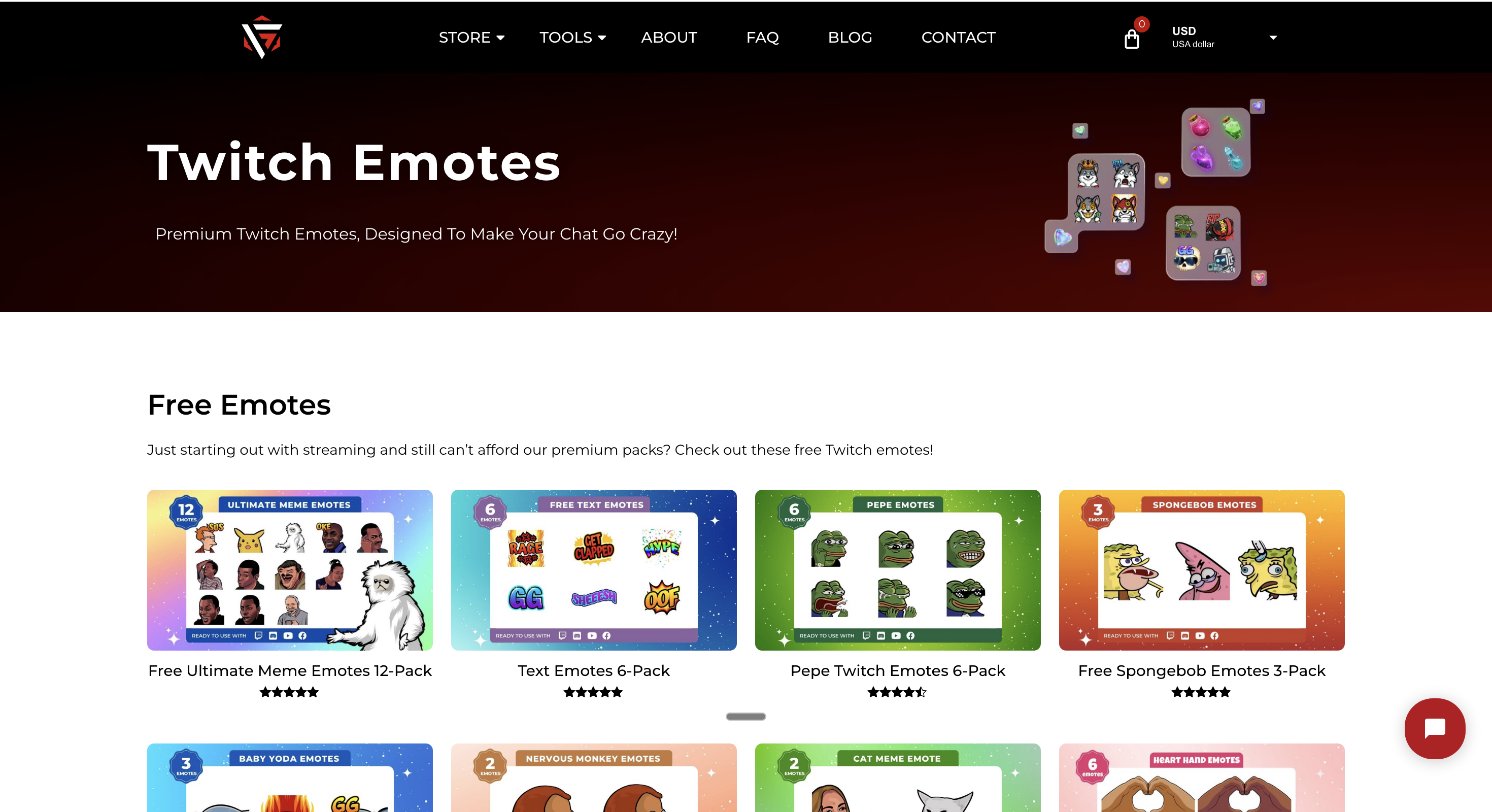
A comprehensive collection of gaming-themed emotes and streaming assets. They offer both free and premium emote packs, with styles ranging from pixel art to modern illustrations. Perfect for gaming streamers looking for themed content.
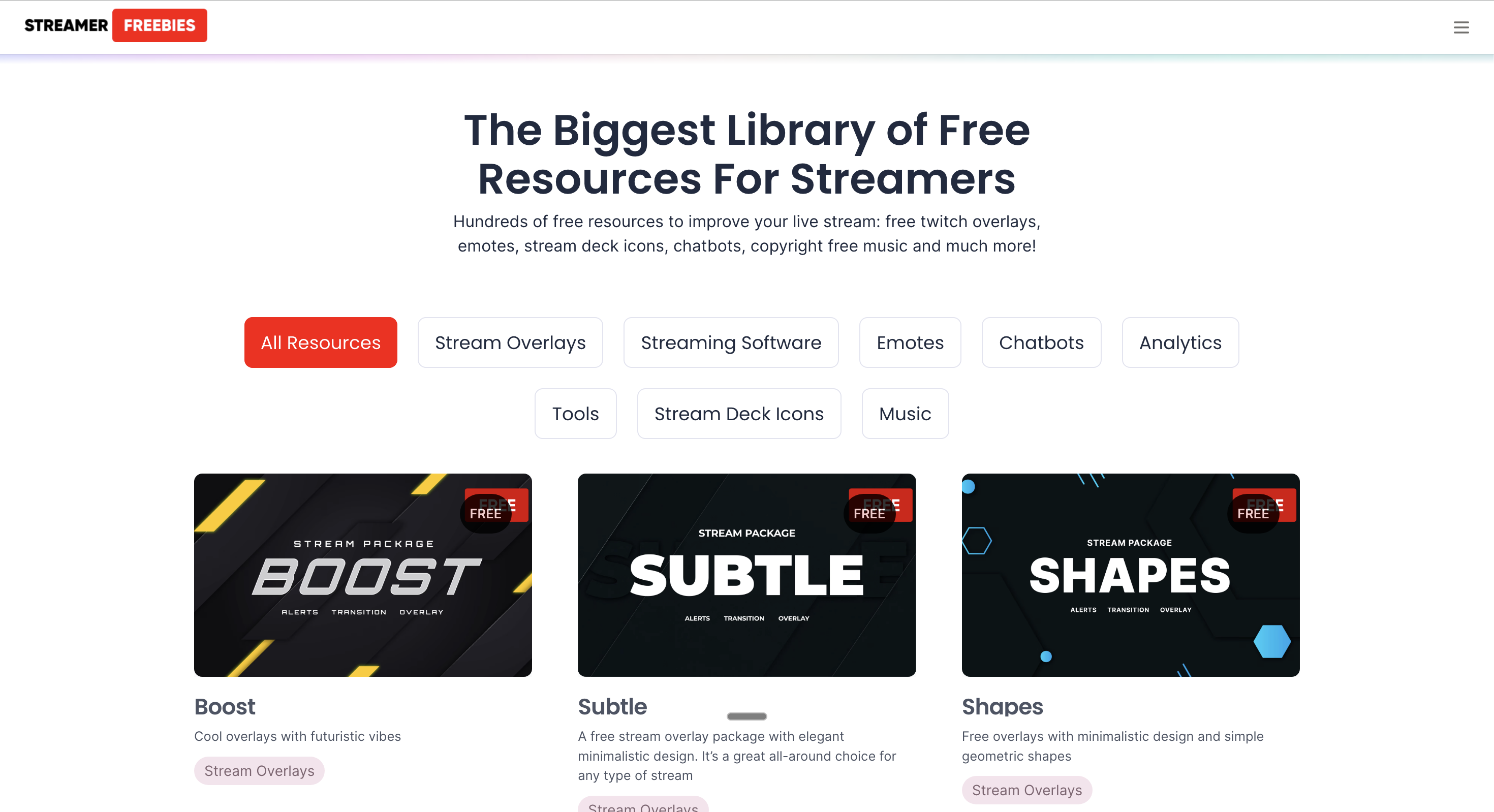
Specializes in completely free Twitch assets including emote packs, overlays, and graphics. Community-driven platform where creators share their work. Great for beginners on a tight budget looking for quality free resources.
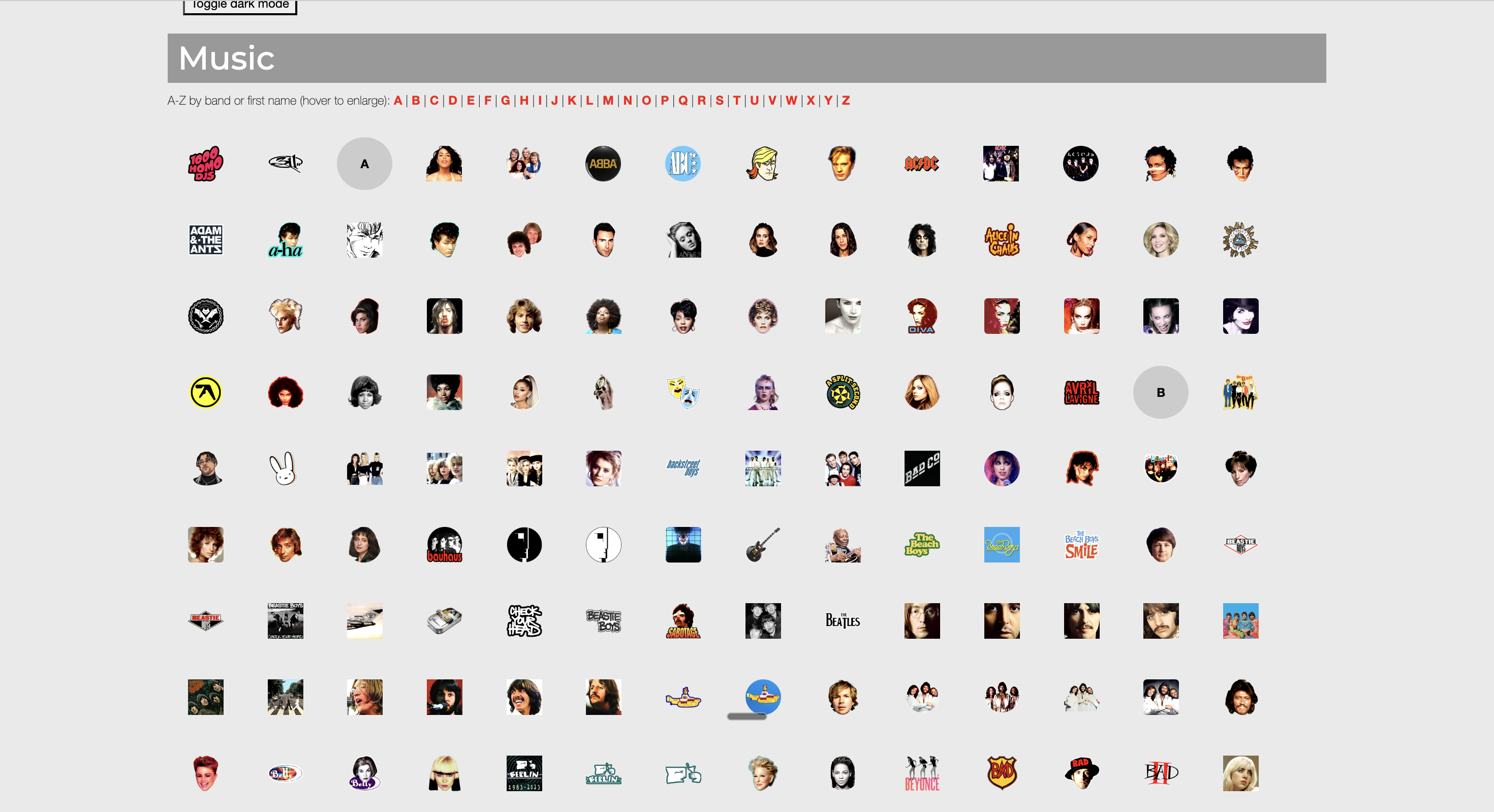
Curated collection of free streaming resources including emote packs, alerts, and overlays. Regular updates with seasonal content and trending designs. Features both animated and static emotes with clear usage guidelines.
Professional design marketplace with a dedicated free section for Twitch emotes. Higher quality designs from verified creators, with both template packs and ready-to-use emotes. Excellent for streamers wanting polished, professional-looking content.

Before using any free emotes, carefully read the licensing terms. Some require attribution, others are personal-use only, and commercial usage restrictions may apply. When in doubt, contact the creator directly for clarification.
Complete tutorial for drawing custom Twitch emotes from scratch using free software like GIMP, Krita, and Photopea. Maximum creative control for completely unique emote designs.
Learning how to create free Twitch emotes from scratch might seem daunting, but with the right approach and tools, anyone can create professional-quality designs. This method gives you complete creative freedom and helps you develop valuable skills that extend beyond emote creation.
The veteran choice. Powerful layer system, extensive plugin support, and comprehensive tutorials available.
Artist-focused with incredible brush engine. Best for those who want to draw naturally.
Browser-based Photoshop clone. No installation needed, works on any computer.
Start with a simple concept: character + emotion + unique element. Don't worry about perfection—this is just to establish the basic idea. Spend 5-10 minutes maximum on rough sketches.
Rough sketch example
Pro tip: Draw 4-6 quick variations. The best ideas often come after the first few attempts.
Create your final line art on a new layer. This is where you define the exact shapes and ensure everything will read at small sizes.

Clean line art example
Software tip: In Krita, use the "Basic-5 Size Opacity" brush with stabilizer set to "Basic Smoothing" for perfect lines even with a mouse.
Fill your line art with flat colors. No shading yet—just clean, solid colors that define each element.

Flat colors example
Pro tip: Work on a separate layer for each color. This makes it easy to adjust individual elements later without affecting the whole design.
This is where most DIY emotes fail. Resize your design to 28x28 pixels and honestly evaluate if it still works.
Reality check: If you answer "no" to any of these, go back and simplify. It's better to have a simple emote that works than a complex one that doesn't.
Only add details that improve readability at small sizes. Every element should have a purpose.

Before/After details
Golden rule: If you can't see it clearly when the emote is thumbnail-sized on your phone, delete it.
Clean edges and add a subtle stroke make the difference between amateur and professional-looking emotes.
Add a 1-2px stroke in a color that's 20% darker than your darkest emote color. This helps the emote pop on any background.
In GIMP: Filters → Light and Shadow → Drop Shadow (adjust to create stroke effect)
Final result with edges & stroke
Pro tip: The stroke should be subtle—visible enough to separate the emote from backgrounds but not so bold it becomes part of the design.
Document your choices so future emotes match. Consistency is what makes emote sets look professional.
Time saver: Create a template file with your base character and common elements. For new emotes, you'll be modifying rather than starting from scratch.
Proper export settings can make or break your emote's quality. Don't let poor technical execution ruin hours of creative work.
112px
Tier 3 subs, overlays
56px
Tier 2 subs, default chat
28px
Mobile, Tier 1 subs
File naming: Use a consistent system like "channelname_emotename_size.png" (e.g., "streamername_hype_112.png"). Your future self will thank you.
Drawing your own emotes takes time, but the payoff is huge. You'll have completely unique designs that perfectly match your brand, plus valuable skills you can use for thumbnails, overlays, and more.
Fix the most common emote problems with these proven solutions.
Why it happens: Too many details or colors competing for attention
✓ Solution: Simplify to 3-4 colors max, remove small details, increase contrast between elements
Why it happens: Features are too small or subtle
✓ Solution: Make eyes 30% larger, exaggerate mouth shape, remove unnecessary facial details
Why it happens: Anti-aliasing issues or incorrect export settings
✓ Solution: Add a 1-2px stroke, clean up edges manually, export at exact sizes (don't let platforms resize)
Why it happens: Color space or transparency issues
✓ Solution: Use sRGB color space, test on both light and dark backgrounds, avoid pure black/white
Why it happens: Different styles, colors, or proportions across emotes
✓ Solution: Create a style guide with exact colors, line weights, and proportions to follow
Why it happens: Font too thin or detailed
✓ Solution: Use bold, sans-serif fonts, maximum 3-4 characters, add contrasting outline
Sometimes DIY is perfect. Sometimes you need a pro. Here's how to decide.
Test what resonates with your community before investing. You can always upgrade later.
Special event this weekend? Affiliate celebration? DIY gets you there in hours, not weeks.
Your style might evolve. Free methods let you experiment without financial commitment.
Making your own emotes can be fun and rewarding. It's a skill that grows with practice.
DIY gives you complete control to execute exactly what you envision, without compromise.
For established brands requiring consistent, high-end artistic execution across multiple assets.
Advanced techniques like detailed mascots, consistent character design, or specialized art styles.
Animation requires specialized skills and software that DIY methods can't match.
If you're streaming full-time, commissioning frees you to focus on content.
For a distinctive visual identity that no other streamer can replicate, professional artists create truly unique designs.
$15-30
Budget Tier
Simple designs, newer artists, template modifications
$40-75
Standard Tier
Custom designs, experienced artists, 2-3 revisions
$100+
Premium Tier
Complex animations, established artists, full rights
Quick answers to common emote creation questions
You now have everything you need to create professional Twitch emotes for free in 2025. Choose your method and start building your community's visual language today.
Join 50,000+ streamers creating emotes with our tools